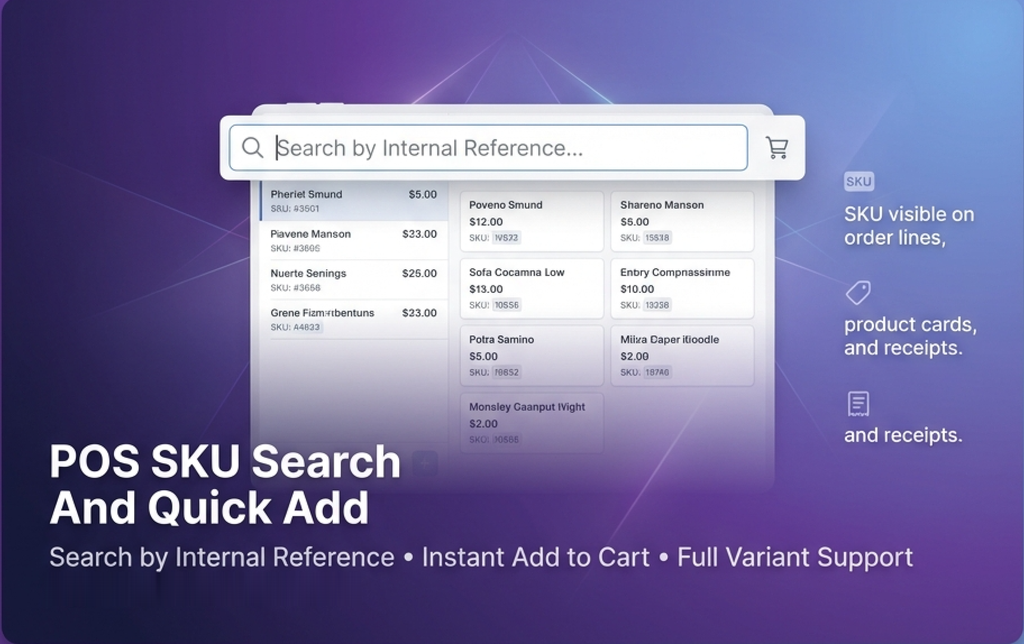

POS SKU Search And Quick Add
by Yugma Tech🔍 POS SKU Search And Quick Add
Search products by Part Number/SKU and instantly add to cart
Supercharge your Point of Sale with lightning-fast Part Number search, instant cart addition, and full variant support.
⚡ Quick Search • Instant Add • Variant Support✅ Key Features
✨ Premium Features
Quick SKU Search
Dedicated search box in POS navbar to instantly find products by Internal Reference, Part Number, or SKU code.
Instant Add to Cart
Click on any search result and the product is immediately added to your cart. No extra steps required!
Full Variant Support
Correctly handles product variants with proper attribute values and pricing calculations automatically.
SKU on Order Lines
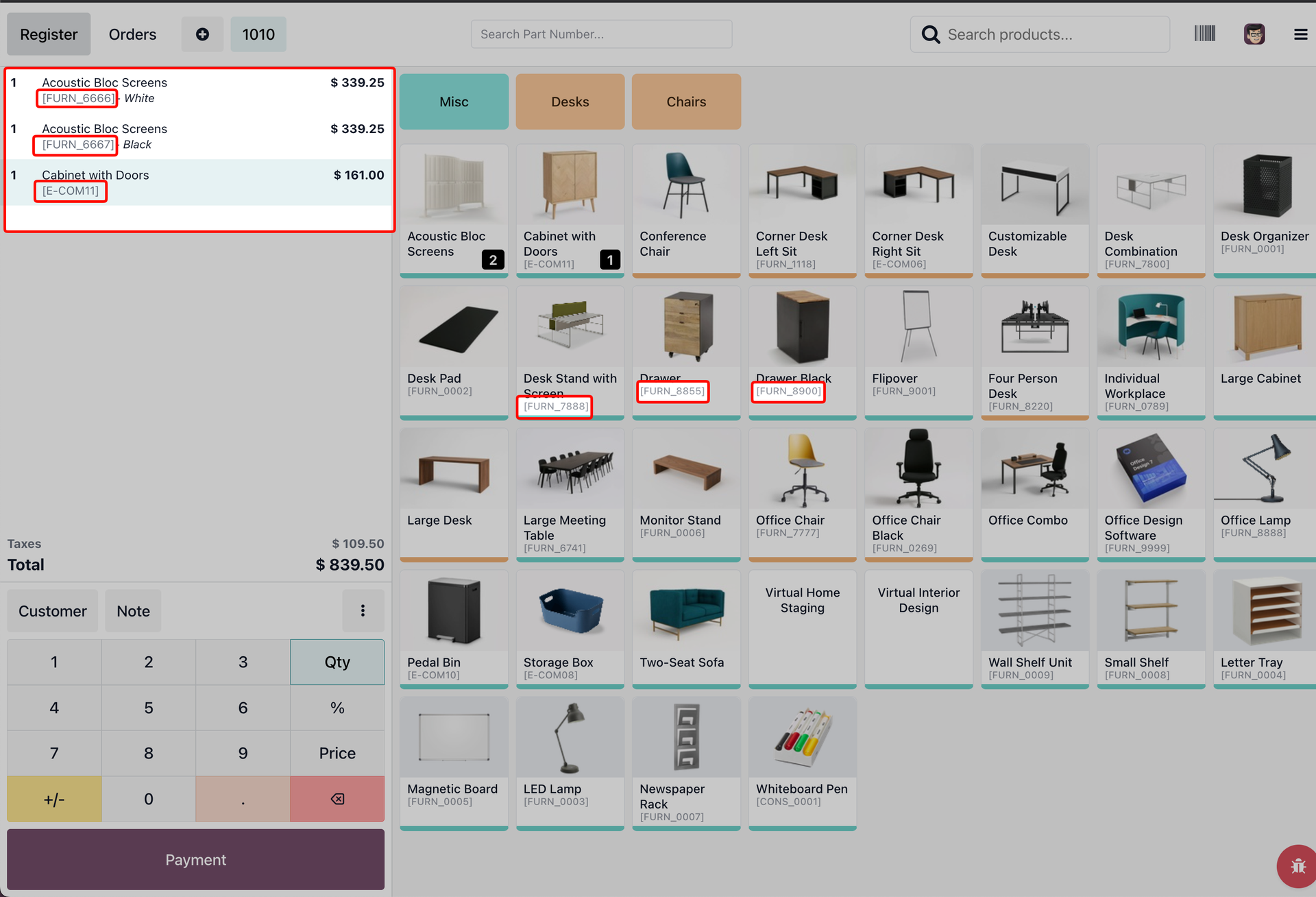
Part numbers are displayed on every order line in the side panel for easy reference during checkout.
SKU on Product Cards
Internal reference codes are visible right on the product cards in the product screen.
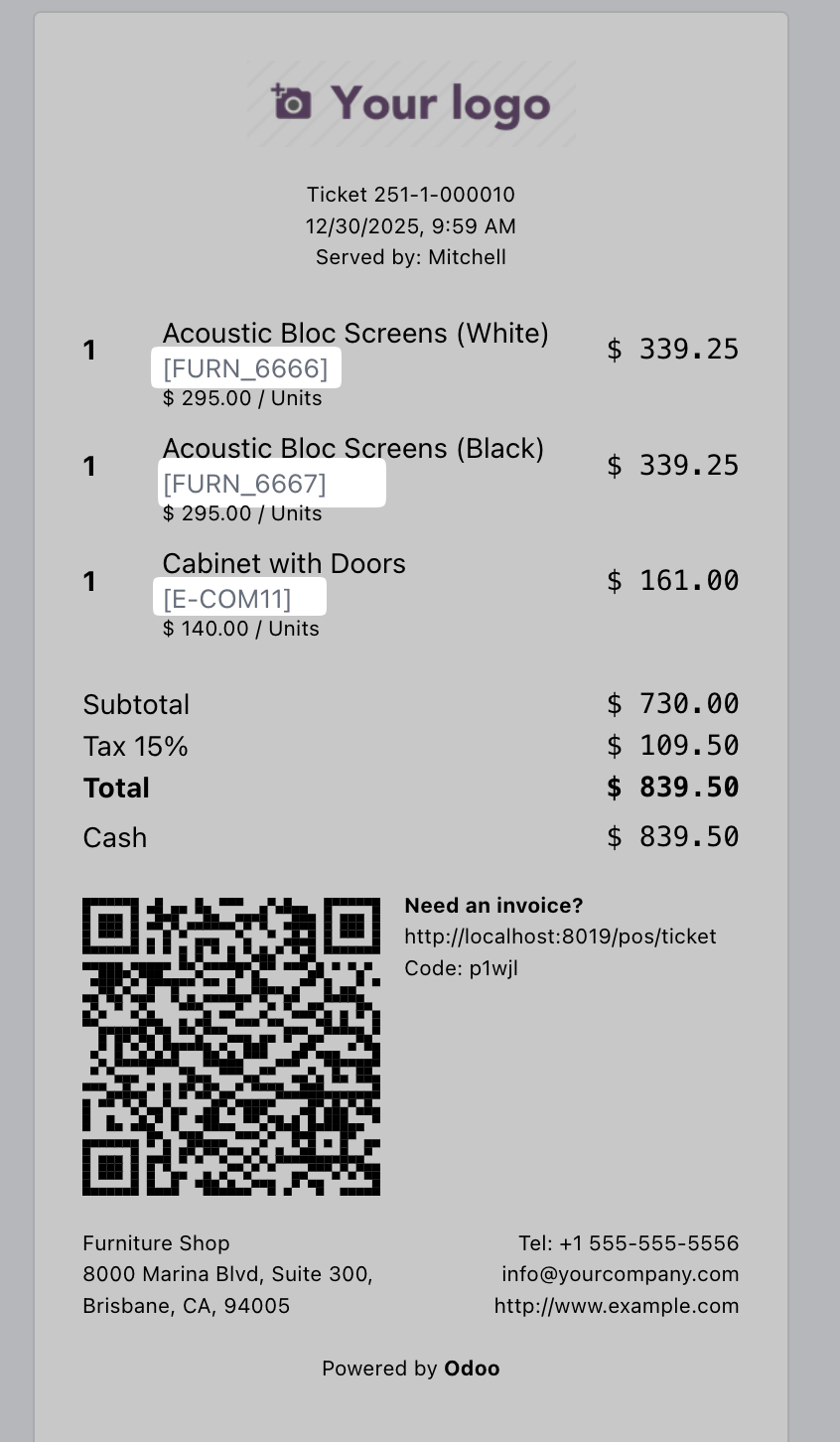
SKU on Receipts
Part numbers automatically appear on printed receipts, inherited from order lines for consistency.
🚀 How It Works
Get products to cart in just 3 steps
Search by Part Number
Type the part number, SKU, or internal reference in the search box on the POS navbar
Select from Results
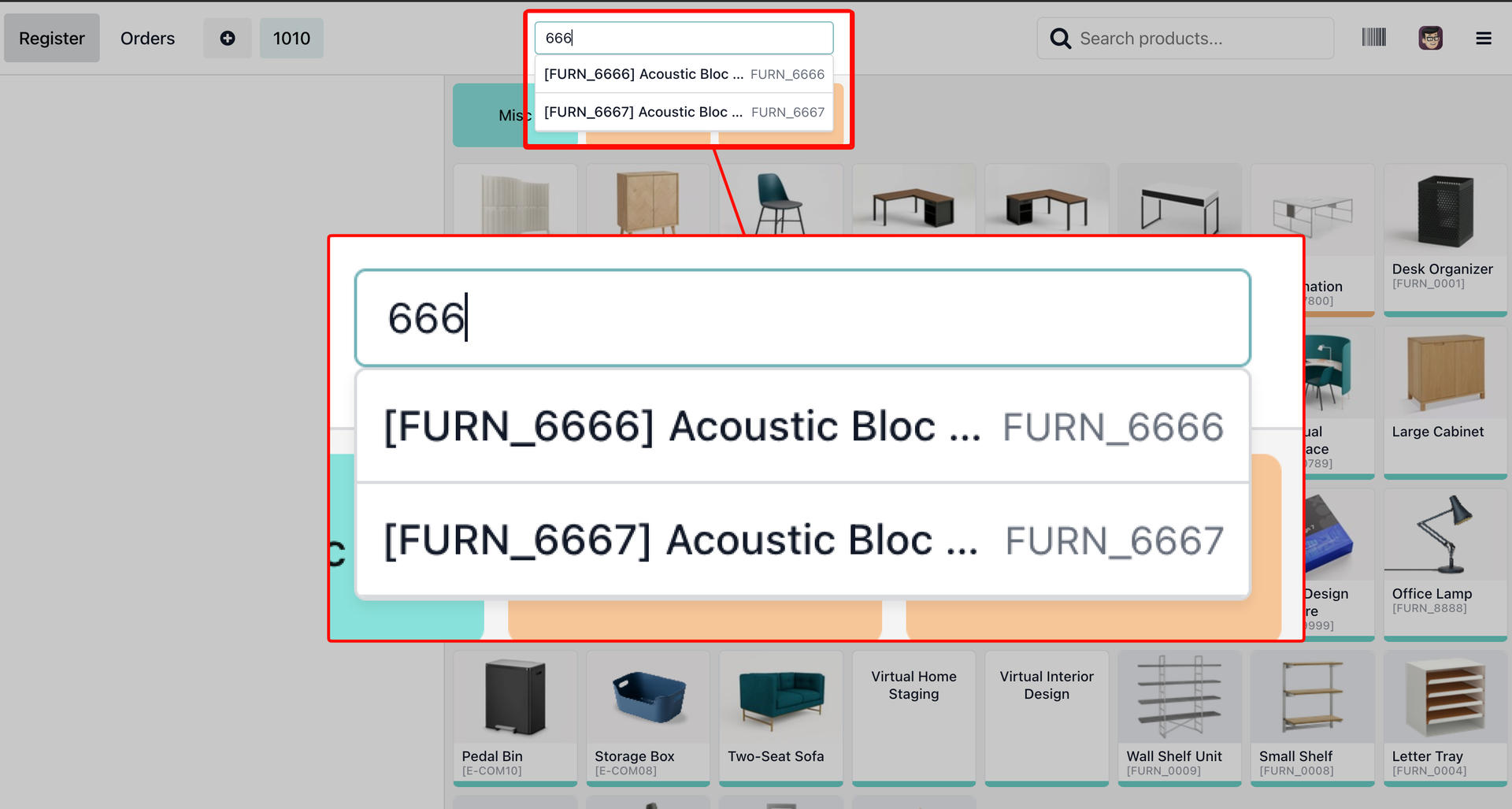
Matching products appear in a clean dropdown showing product name and part number
Instant Cart Addition
Click to instantly add with correct variant attributes, pricing, and part number visible
📸 Screenshots
See the app in action
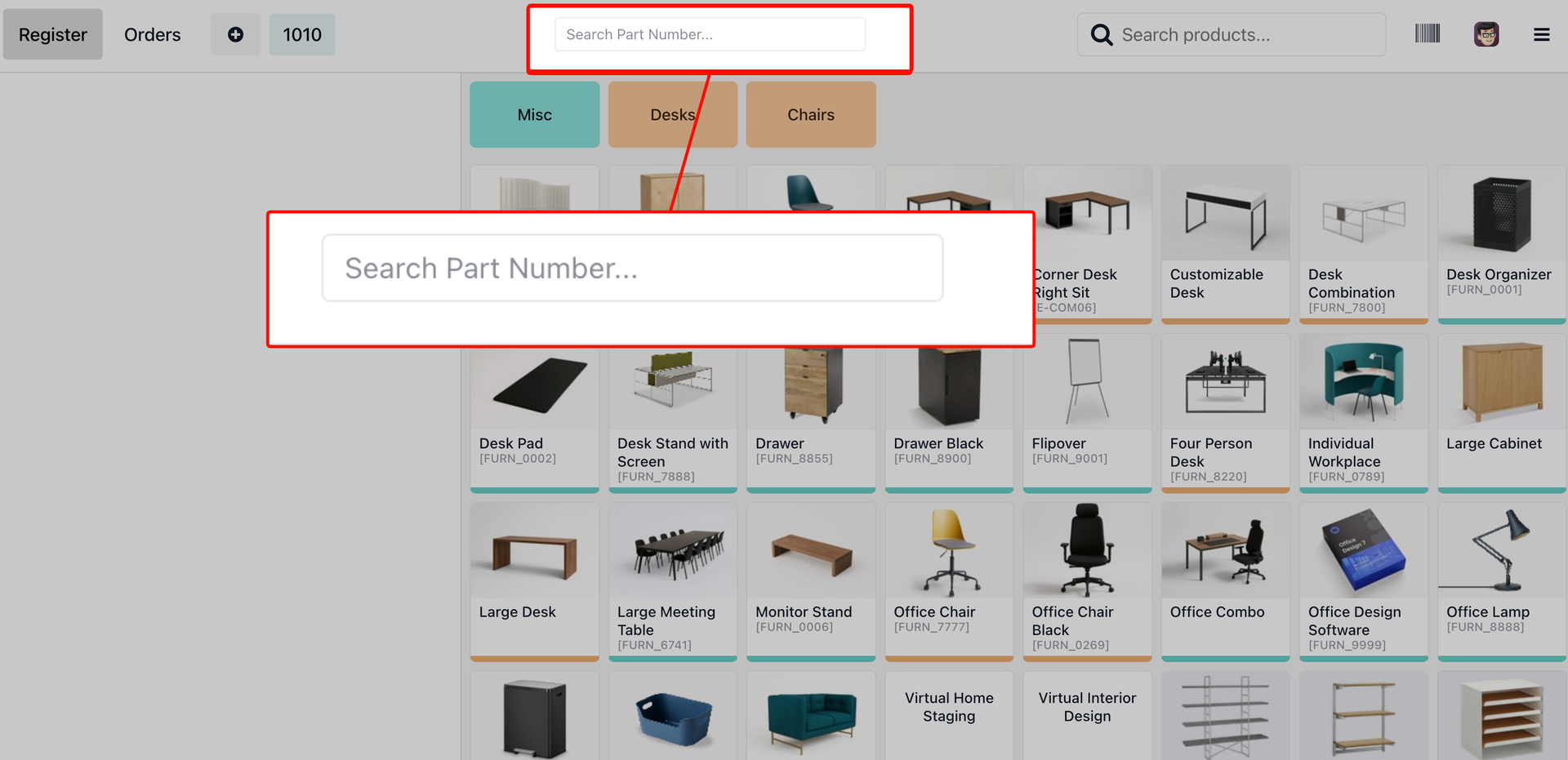
🔍 Dedicated Part Number Search Box
Search box prominently placed in the POS navbar for quick product lookup by Internal Reference
🔎 Searching Part Number
Type the part number and see matching products appear in a clean dropdown
🛒 Part Number Added to Cart
Selected product instantly added to cart with part number visible on order line
🧾 Receipt with Part Number
Part numbers automatically appear on printed receipts for customer reference
💼 Perfect For
Ideal for businesses that track products by Part Number or SKU
Retail Stores
Large product catalogs with SKU codes
Auto Parts Shops
Quick lookup by OEM part numbers
Hardware Stores
Find tools and supplies by product code
Manufacturing
Industrial parts and component lookup
B2B Wholesale
Bulk orders with reference numbers
Pharmacies
Search medicines by product codes
❓ Frequently Asked Questions
What is Internal Reference/SKU?
It's the default_code field in Odoo - your product's
unique identifier like part number, SKU, or barcode reference.
Does it work with product variants?
Yes! The app correctly handles variant attributes and calculates price extras automatically when adding to cart.
Where does the search box appear?
In the POS navbar (top center of the screen) on the Product Screen. It's always visible and ready for quick searches.
How are products searched?
First searches in locally loaded POS products, then uses RPC to search the full database if needed. Fast and comprehensive!
Is the part number shown on receipts?
Yes! Part numbers display on order lines, which automatically appear on printed receipts for customer reference.
Does it work with Odoo Enterprise?
Yes! Works with both Odoo Community and Enterprise editions. Fully compatible with Odoo 19.
What support do you offer?
Free email support included. We help with installation, configuration, and troubleshooting.
💬 Need Help?
Questions, customization requests, or support?
Email: hello@yugmatech.com
Website: www.yugmatech.com
POS SKU Search And Quick Add by Yugma Tech
© 2025 Yugma Tech. All rights reserved.