
Global Numeric Date
by Yugma TechGlobal Numeric Date Format
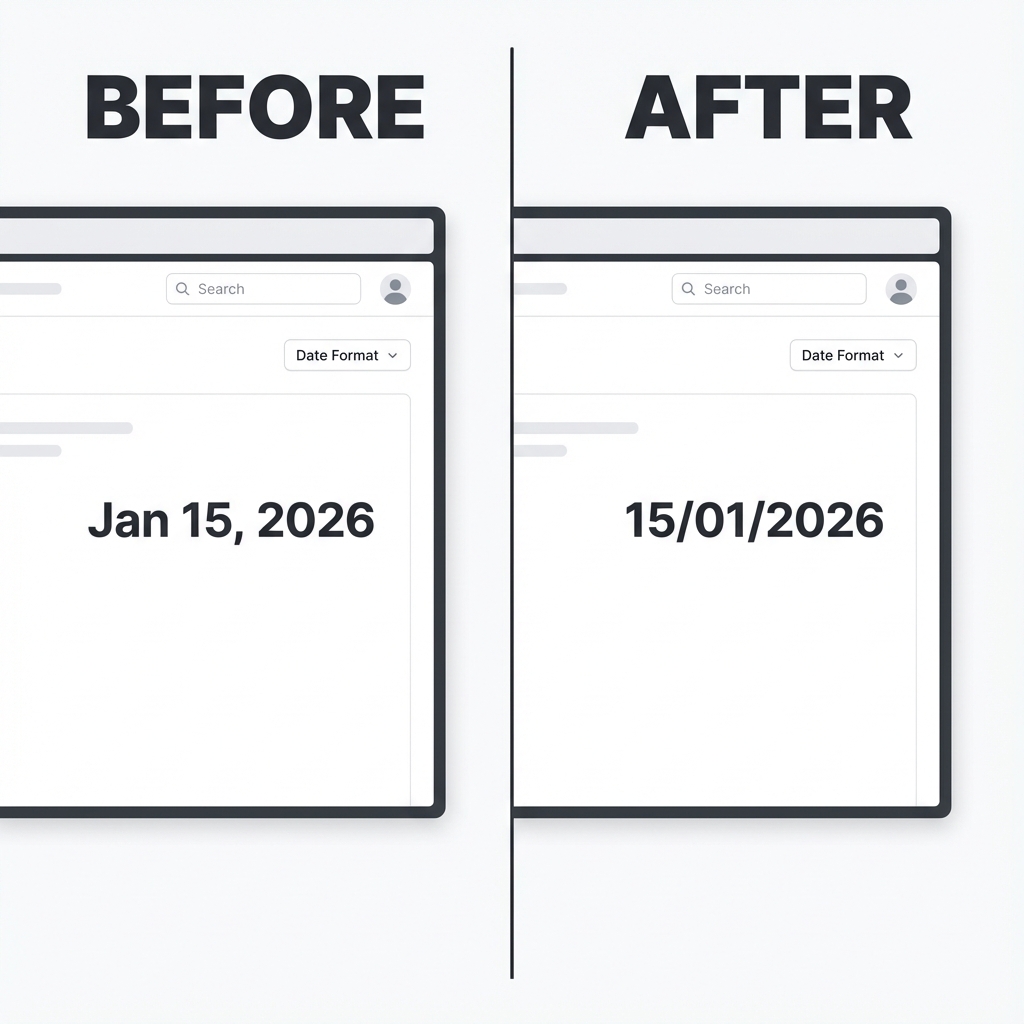
Transform text-based dates (Jan 15, 2026) to numeric (15/01/2026) instantly across Odoo.
Default Odoo 19 Behavior: Odoo 19 insists on showing the month as text (e.g., "Jan 15, 2026") in
many views, which isn't suitable for all regions or business needs.
Our Solution: This app resolves this limitation globally, forcing a clean, numeric date format
(e.g., "15/01/2026") across the entire system.
Key Features
Global & Consistent
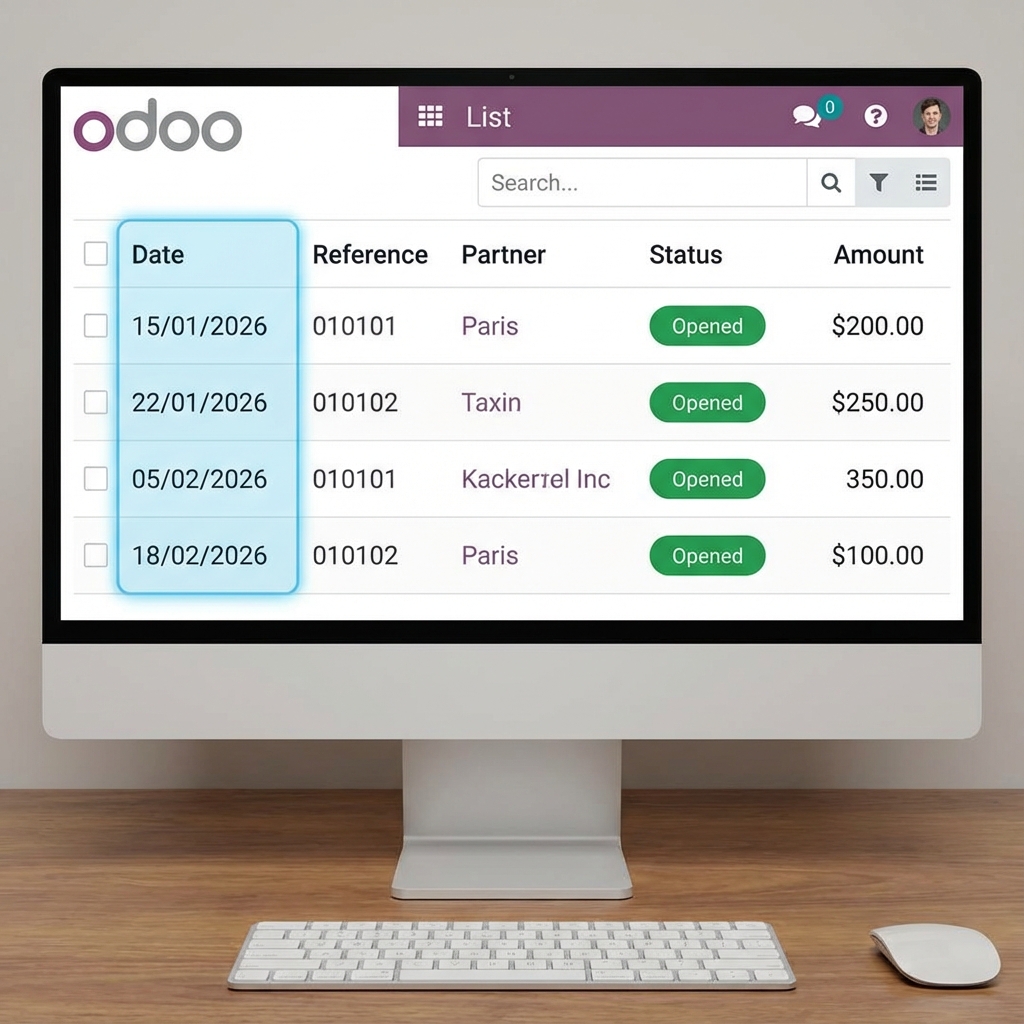
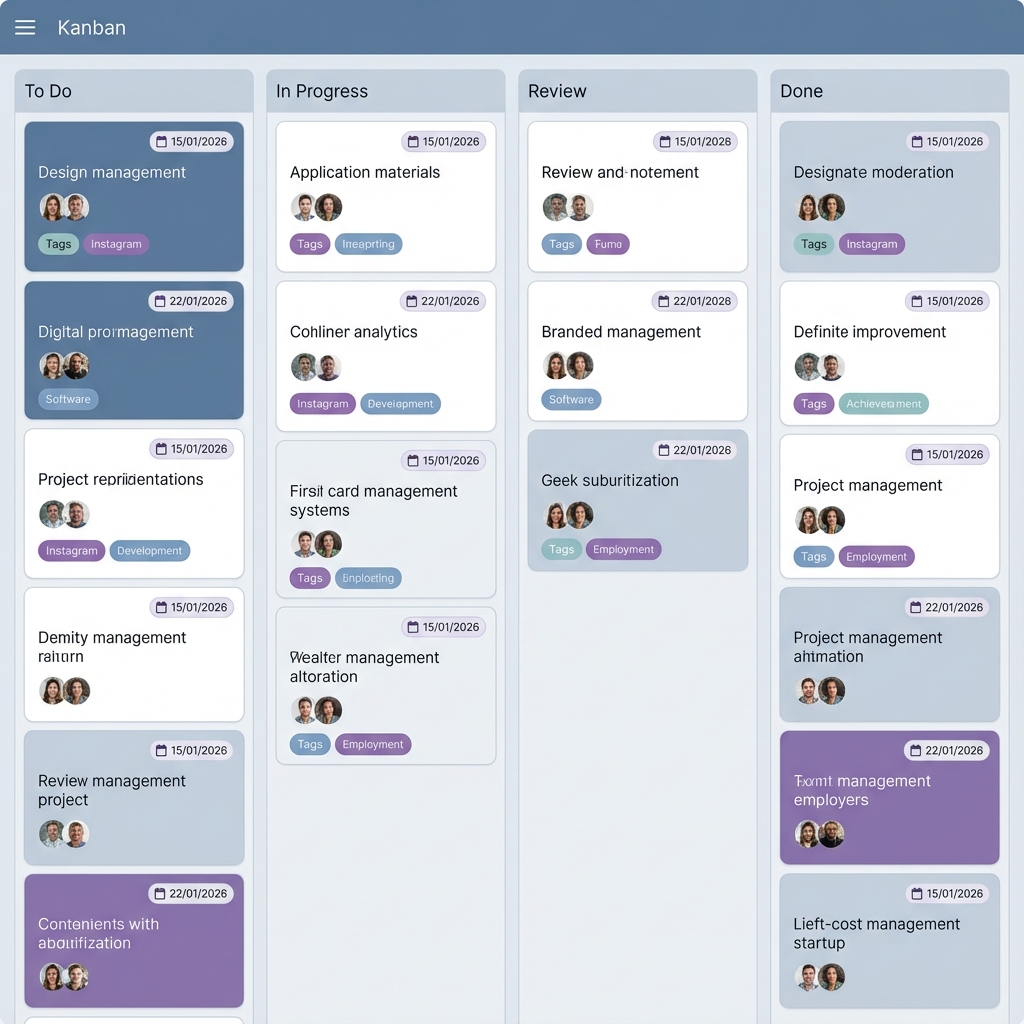
Works everywhere: Form views, List views, Kanban, Search panels, and Chatter.
Zero Configuration
Just install and it works. No complex settings or technical knowledge required.
Responsive
Perfectly optimized for both desktop and mobile views.
Screenshots
Before & After
See the clean, professional look of numeric dates.
Works in List View
Works in Kanban & Activities
Installation & Usage
Easy Setup: Simply install the module, and refresh your browser. All date fields will
automatically switch to the numeric format based on your user language settings (e.g. DD/MM/YYYY or
MM/DD/YYYY).
Support & Contact
Need help or have a feature request? Contact Yugma Tech directly!


