
Website Hide Out of Stock
by Yugma Tech📦 Website Hide Out of Stock
Automatically Hide Unavailable Products | Clean Shop | Better UX
Keep your eCommerce store clutter-free by automatically hiding products that are out of stock. Improve customer experience by showing only what's available.
✨ Odoo 19.0 | Community & Enterprise Compatible✅ Essential for eCommerce:
🚫 The Problem
Displaying out-of-stock products frustrates customers and clutters your shop page. Users waste time clicking on items they can't buy.
✅ The Solution
Website Hide Out of Stock automatically filters out unavailable products from your shop. It respects your warehouse stock levels and keeps your catalog fresh and purchasable.
✨ Key Features
Clean Catalog
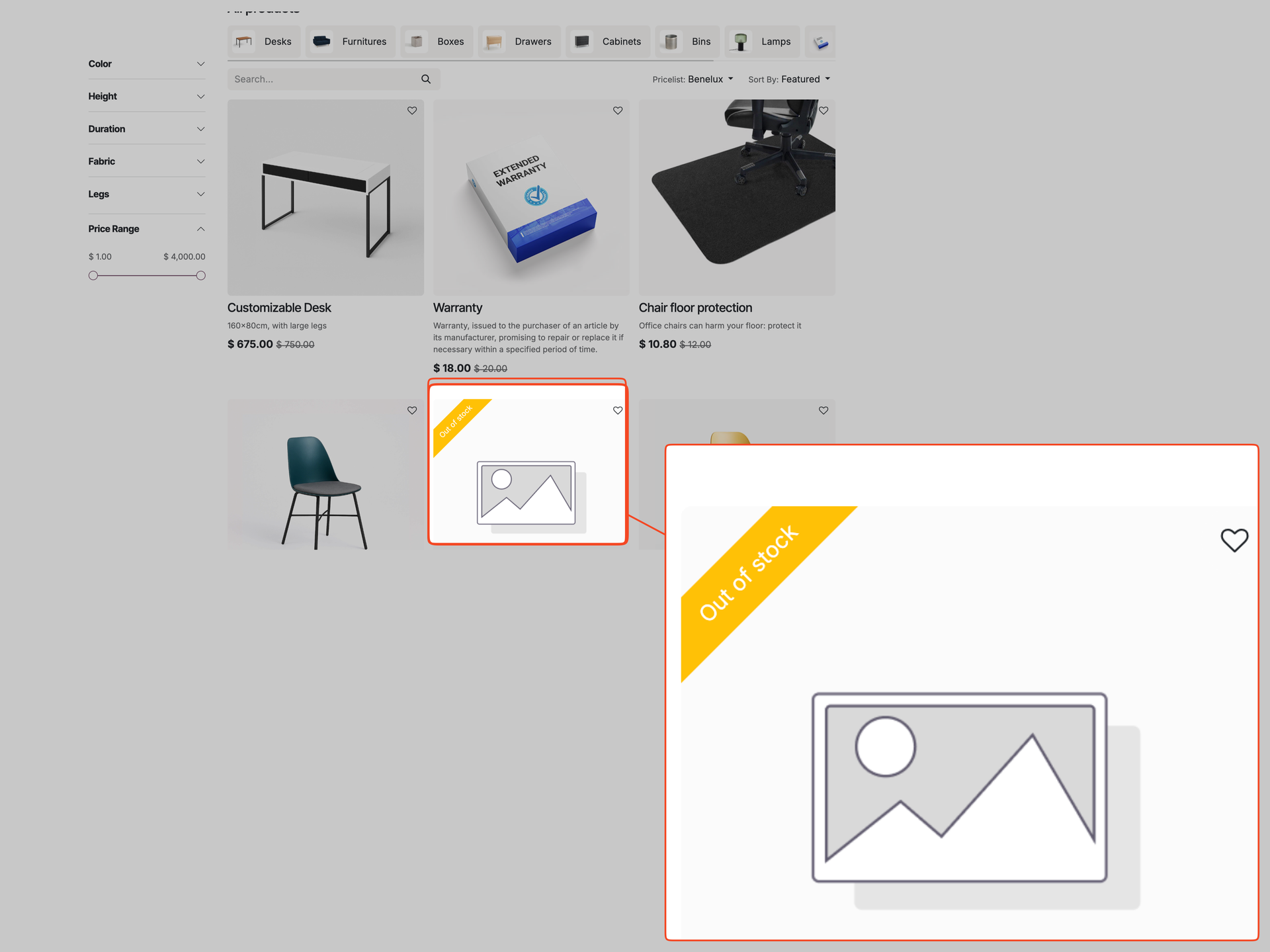
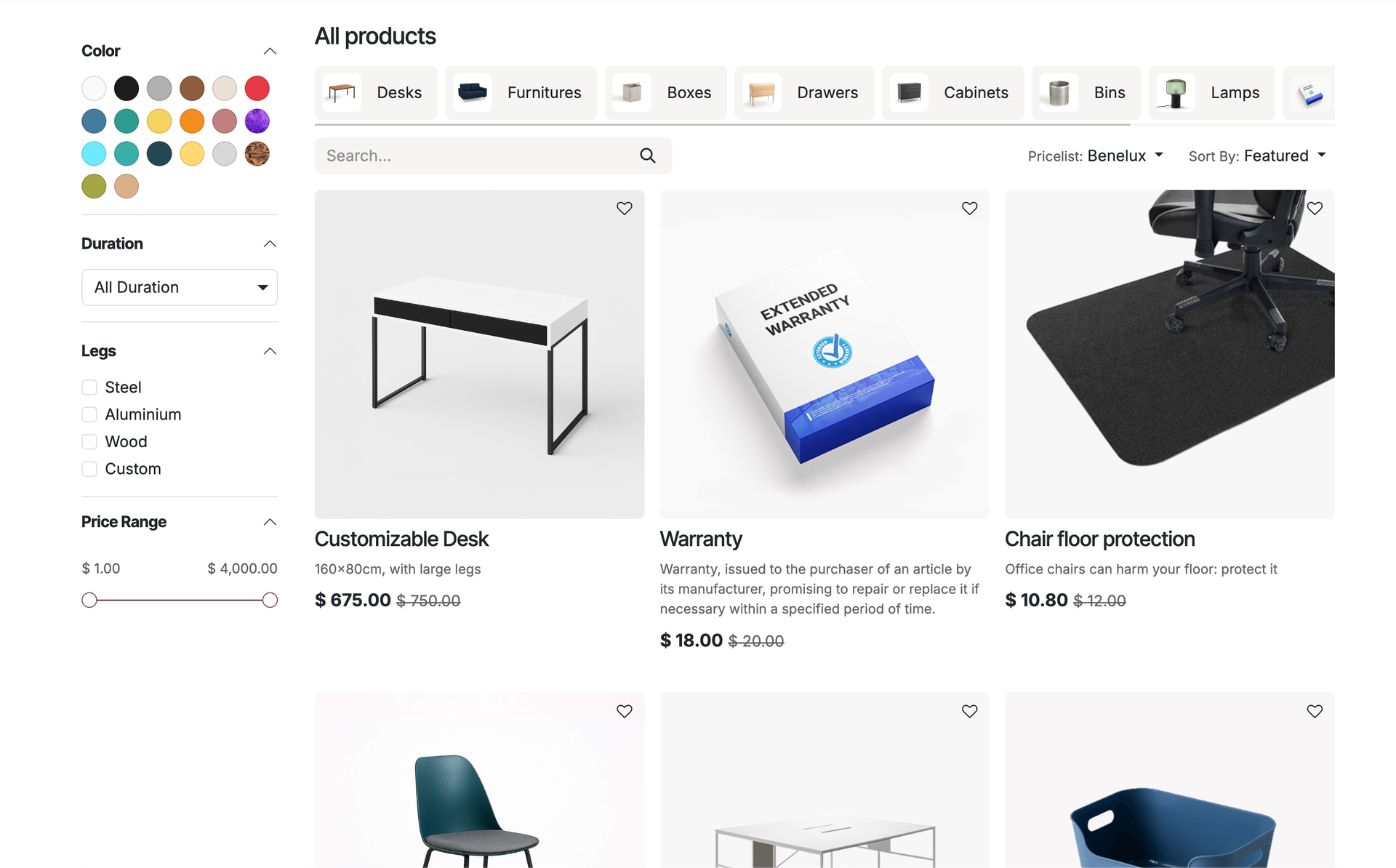
Automatically removes products with 0 available quantity from the shop view, search results, and category pages.
Multi-Warehouse Support
Correctly checks stock levels for the specific warehouse assigned to your website, ensuring accurate availability.
High Performance
Filters products at the database level using optimized domains, ensuring fast page loads and correct pagination.
Easy Toggle
Enable or disable the feature globally with a simple checkbox in the Website Settings.
Smart Filtering
Intelligently handles reserved stock. If a product is physically in stock but fully reserved for other orders, it is correctly hidden.
Real-Time Updates
As soon as stock is replenished or sold out, the visibility on the website updates instantly.
📖 How It Works
1. Enable Setting
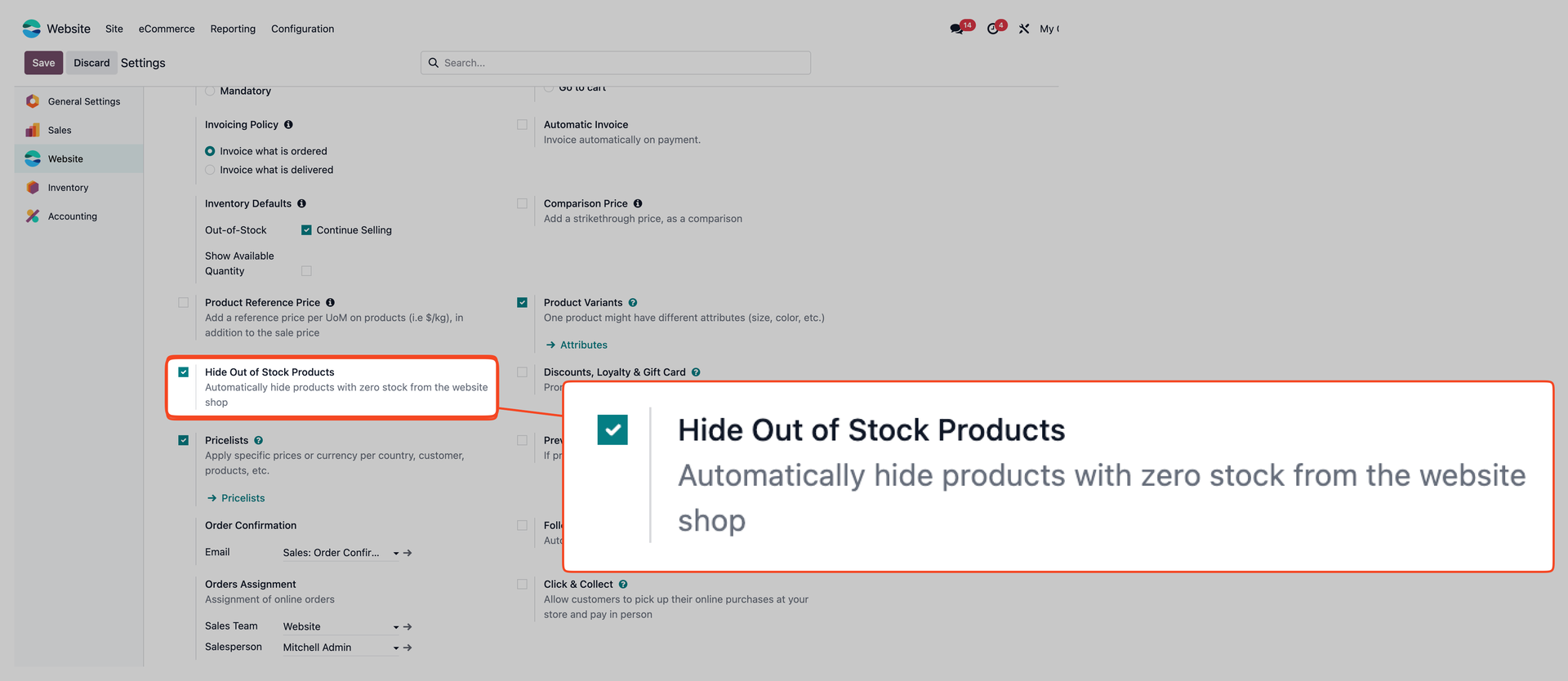
Go to Website > Configuration > Settings. Find the "Shop - Products" section and check "Hide Out of Stock Products".
2. Automatic Filtering
The app automatically works in the background to hide products that are out of stock. It intelligently checks your actual available inventory to ensure customers only see what they can buy.