
Multi Website Login Manager
by Yugma Tech🔄 Multi-Website Login Manager
Also known as: Smart Redirect | Company Access Fix | Login Firewall
Automatically redirect users to the correct website they have access to, instantly after login.
🔥 SOLVED: USERS STUCK ON WRONG WEBSITE WITH 403 ERRORS✅ Why Install This Module?
🎬 See It In Action
Watch how the Smart Login Redirect works!
The Problem with Multi-Website
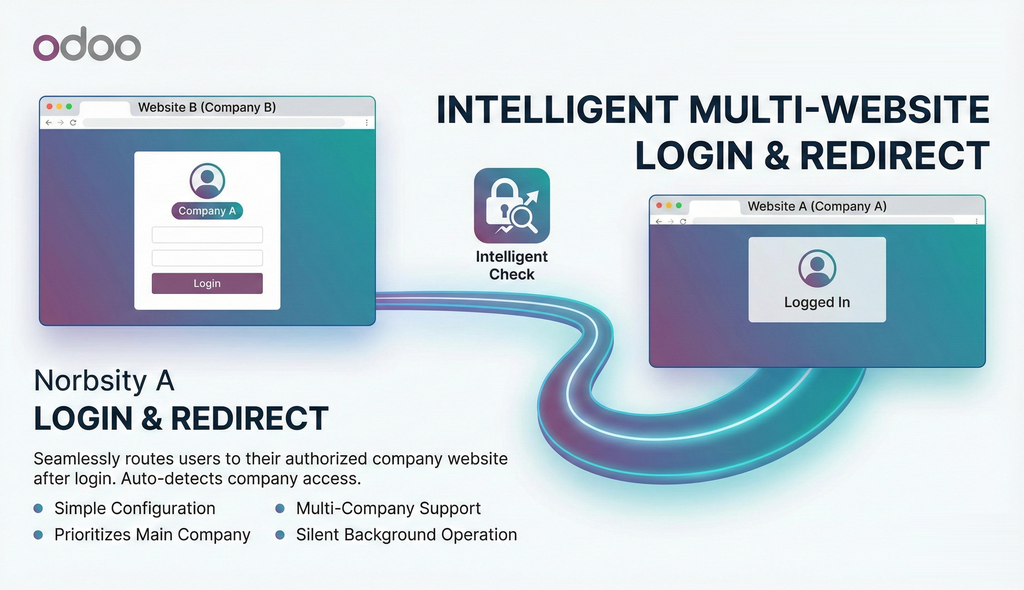
In a multi-company setup, users often log in via a generic link but end up on a website they can't access.
❌ Before (Standard Odoo)
User logs in to Website B → User only has access to Company A
✅ After (With This App)
User logs in to Website B → User detected as Company A employee
✨ Key Features
Smart Access Firewall
The module intelligently checks the user's allowed companies immediately after login. If they are on a website belonging to a company they don't have access to, it instantly finds a valid website for them.
- ✓ Simple configuration in Website Settings
- ✓ Prioritizes user's main company website
- ✓ Handles multi-company users efficiently
- ✓ Works silently in the background
Cross-Domain Ready
Even if your websites are on different domains (e.g., site1.com and site2.com), the module manages the authentication tokens to ensure a seamless redirection without asking the user to login again.
Configurable
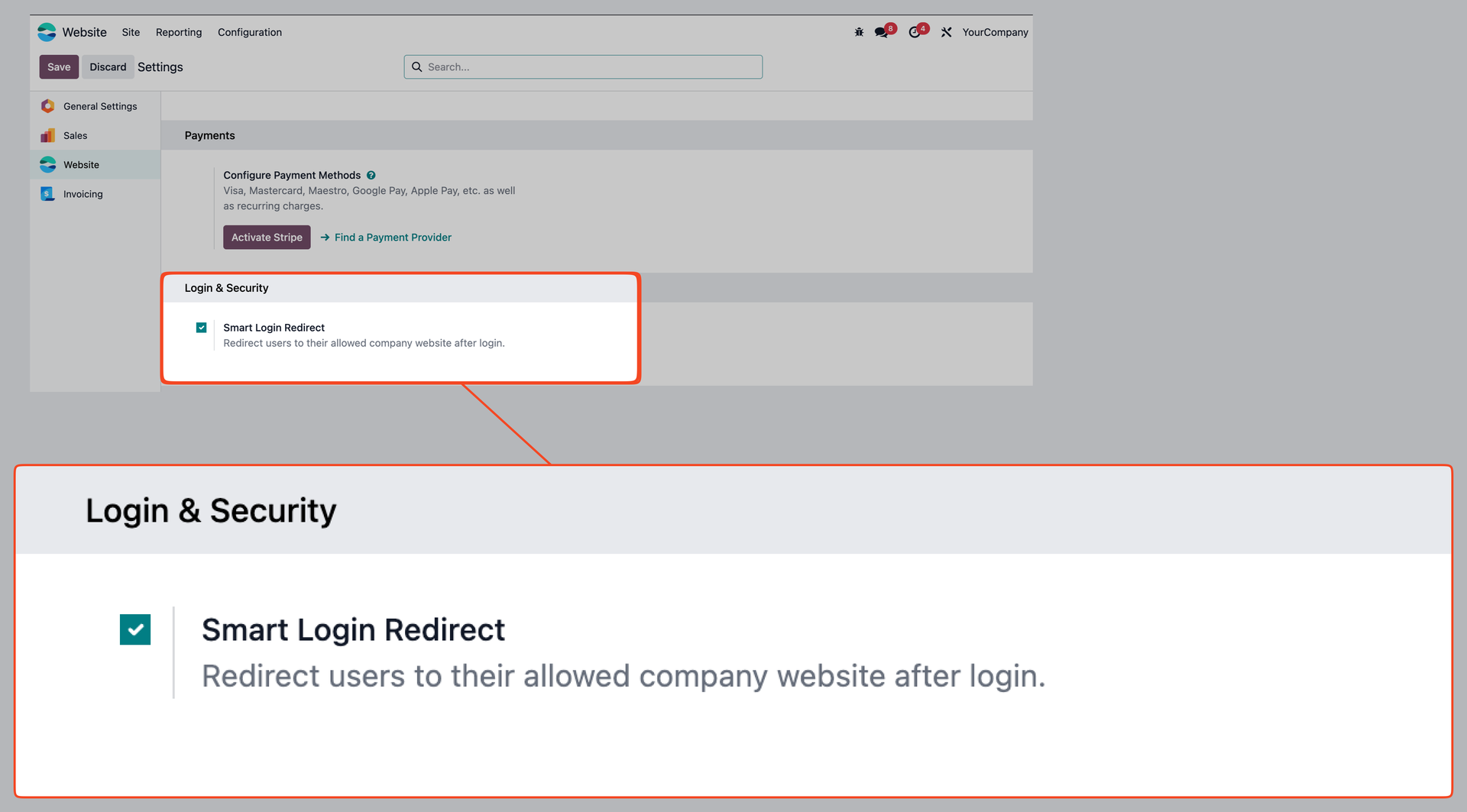
Toggle this behavior on or off via the Website Settings. You have full control over the redirection logic.
Deep Linking
Preserves the user's destination. If they clicked a link to a specific page, they are redirected to the correct website's equivalent if possible.
Performance
Extremely lightweight. The check happens once during the login flow and does not impact normal browsing speed.
Easy Configuration
Simply go to Website Settings and enable the "Smart Login Redirect" option.
Native Odoo Architecture
Pure Python
Implements standard Odoo `ir.http` overrides for robust and secure request handling.
Secure Tokens
Uses Odoo's native signup token mechanism for safe cross-domain authentication.
Plug & Play
Easy setup. Install the module, enable "Smart Login Redirect" in Website Settings, and you're good to go.

